
iPhone · MDM for device financing
Finance iPhones on EMI With Real Protection
Customers walk in asking for iPhones on EMI, and most lenders say no because there's nothing to protect the loan. Loksiz iPhone MDM changes that. Using Apple Business Manager and supervised enrollment, you can restrict an iPhone when EMIs stay unpaid and restore it the moment the customer pays.
This iPhone is restricted
EMI 4 of 12 is overdue.
Pay now to restore full access.
- Apple Business Manager
- Supervised enrollment
- Unlock in seconds
- Calls and SOS always on
THE CHALLENGE
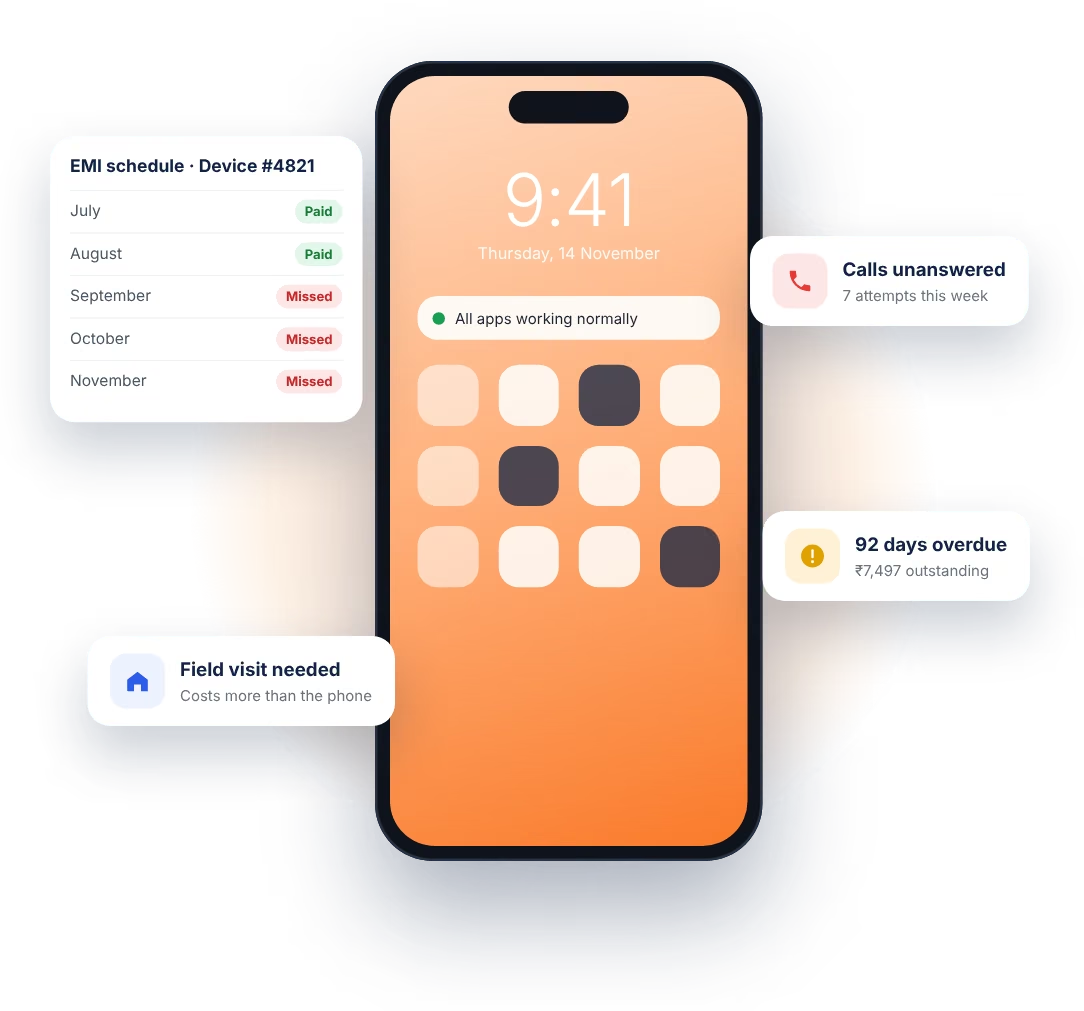
Why Lenders Have Been Nervous About iPhones
iPhones hold their value, which makes them one of the most requested phones on EMI. It also makes them attractive to the wrong kind of borrower.
Android lock apps don't work on iOS, and Apple doesn't allow an app to take over the phone. So most lenders either turn iPhone customers away, or finance them with nothing but a promise to pay. Neither is great for business.
HOW IPHONE MDM WORKS
Apple's Own Tools, Put to Work for Your Loans
Apple has its own system for managing iPhones, built for companies that hand out phones to their staff. It has two parts. Apple Business Manager links an iPhone to your organisation when it's bought. Supervised mode gives that organisation extra control over the iPhone, which a normal user can't switch off.
Loksiz is the MDM that sits on top. It reads the loan status from your system, sends reminders, and applies or lifts restrictions through Apple's official channels. Nothing is jailbroken, and nothing breaks Apple's rules.
- Supervised from the first setup, so the management profile can't be deleted.
- Commands go through Apple, using Apple's push notification service.
- Personal data stays personal, because Apple doesn't let MDM read it.
HOW IT WORKS
From Showroom to Last EMI in Four Steps
Buy through ABM
The iPhone is bought through an Apple Business Manager–linked reseller and assigned to Loksiz.
Set up at handover
When the customer turns it on, it enrolls itself and becomes supervised. Setup feels normal to them.
Track every EMI
Loksiz follows the loan in your system and sends reminders before any restriction.
Restrict or restore
Overdue past your grace period? Apps are restricted. Paid? Everything comes back automatically.
FEATURES
What You Can Do With Every Financed iPhone
Remote restriction
Restrict a supervised iPhone from your dashboard or API, with a clear message showing the amount due.
App blocking
Hide chosen apps during a restriction through Apple's restriction profiles, while calls and SOS keep working.
A profile that stays put
Supervised enrollment means the customer can't delete the management profile from Settings.
Scheduled actions
Apply restrictions automatically on a date, or when an account crosses the overdue limit you've set.
Push your own app
Install your payment or lender app on every financed iPhone, without asking customers to find it in the App Store.
Live status
See each iPhone's last check-in, enrollment state and restriction status in one place.
ONE PLATFORM
Manage iPhone and Android Side by Side
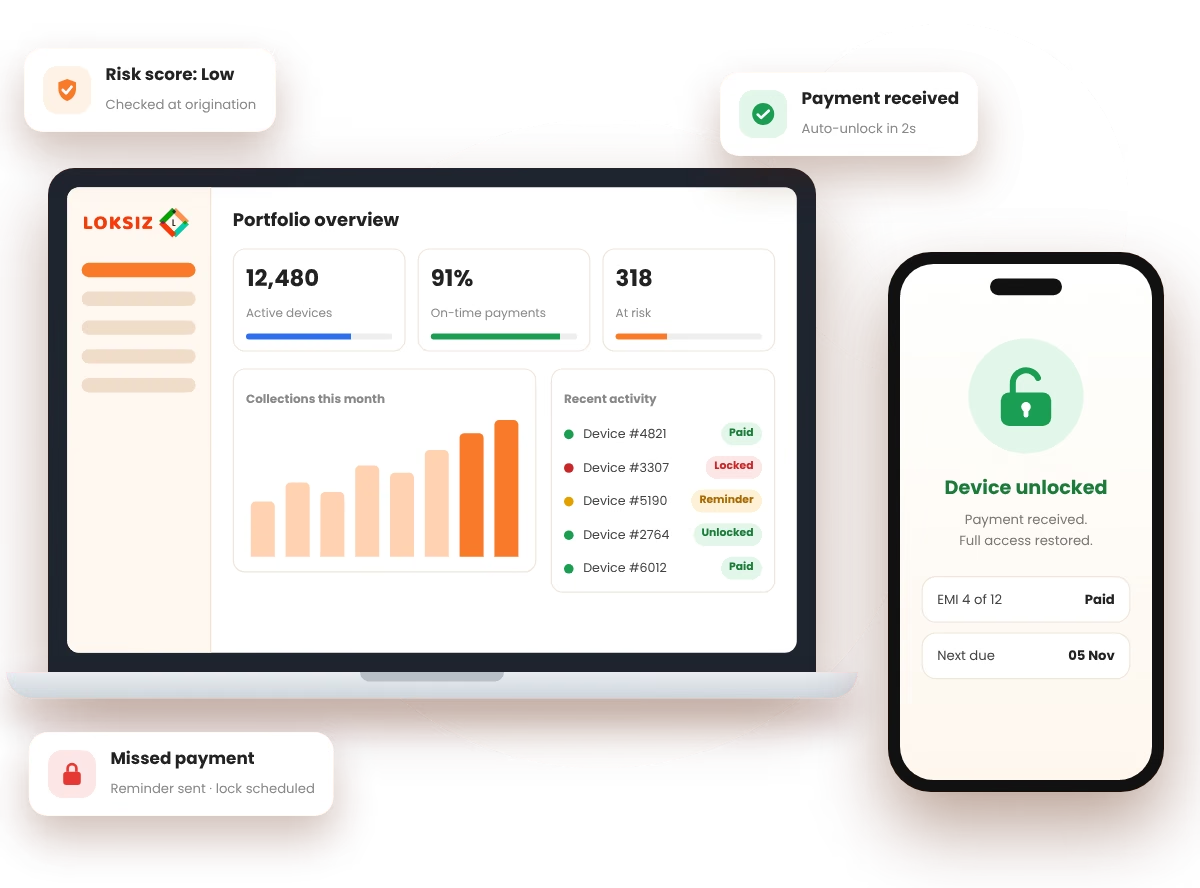
Most portfolios are a mix of both. With Loksiz, your team doesn't need a separate tool for iPhones. Every device, Android or iPhone, sits in the same dashboard with the same rules, reminders and reports.
- One dashboard for every device and every EMI.
- One API for your loan management system.
- One set of rules for overdue days and restrictions.
OTHER DEVICES
One Platform for Everything You Finance
Questions People Usually Ask Us
If yours isn't here, just ask. We're happy to talk it through.
Start Saying Yes to iPhone Customers
See Loksiz iPhone MDM restrict and restore a real iPhone in a short, free demo.